Just ask.
- Add a new CNA, Maria Lopez, PM shiftAdded to roster
- Move Devon to nights starting MondaySchedule changed
- Who's on overtime next week?List ready
- Send Jordan's Saturday PM out as an open shiftShift posted
- Approve Ana's call-offDone
- Send after-hours calls to the nurses' stationRoute changedReceptionist
Add a new CNA, Maria Lopez, PM shift
Mon–Fri starting Monday?
Move Devon to nights starting Monday
Devon's days are now NOC.
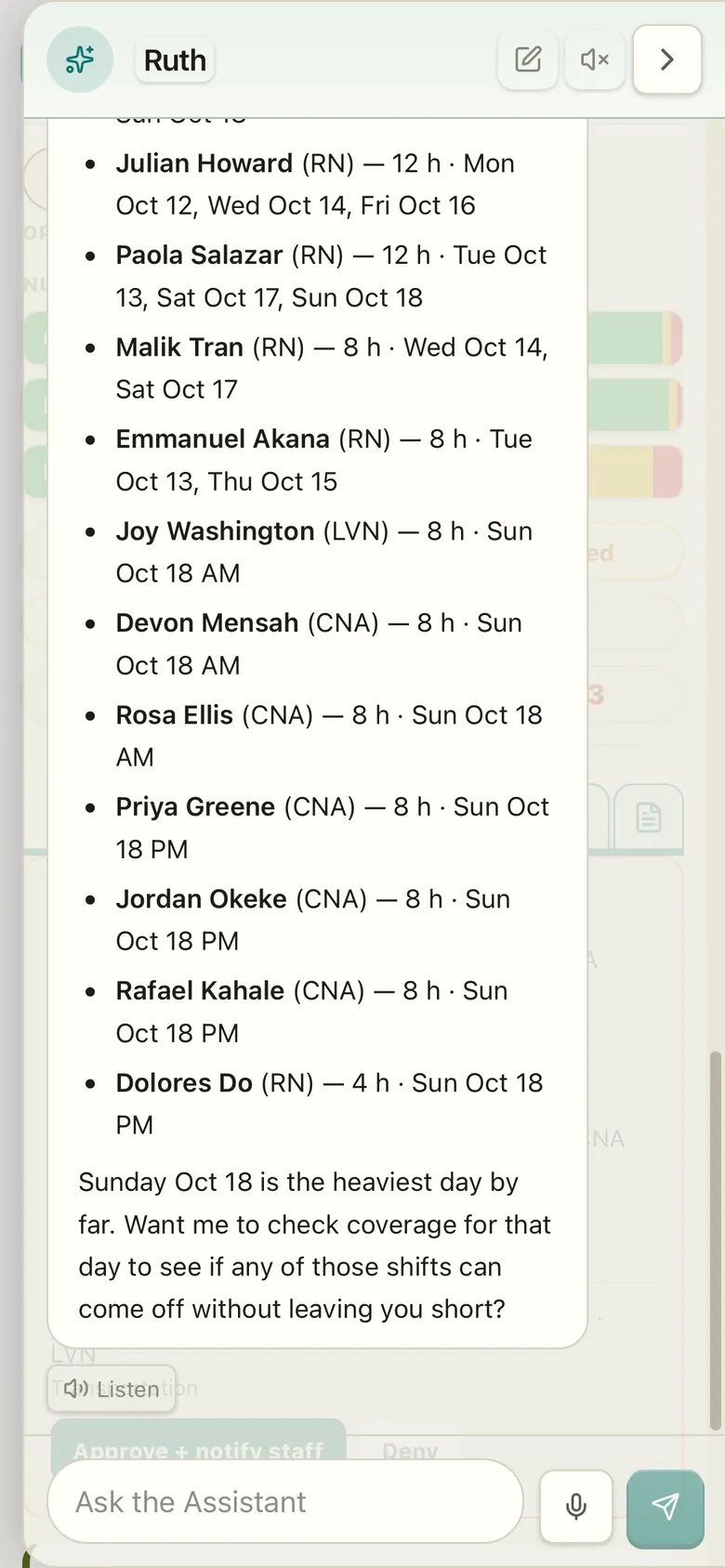
Who's on overtime next week?
Here's who, and which shifts. Sunday is heaviest.
Send Jordan's Saturday PM out as an open shift
Posted to the CNAs.
Approve Ana's call-off
Approved. That shift is still covered.
Send after-hours calls to the nurses' station
Front desk by day, nurses' station after hours.
Free for every building.
Building setup
FreeA quick chat
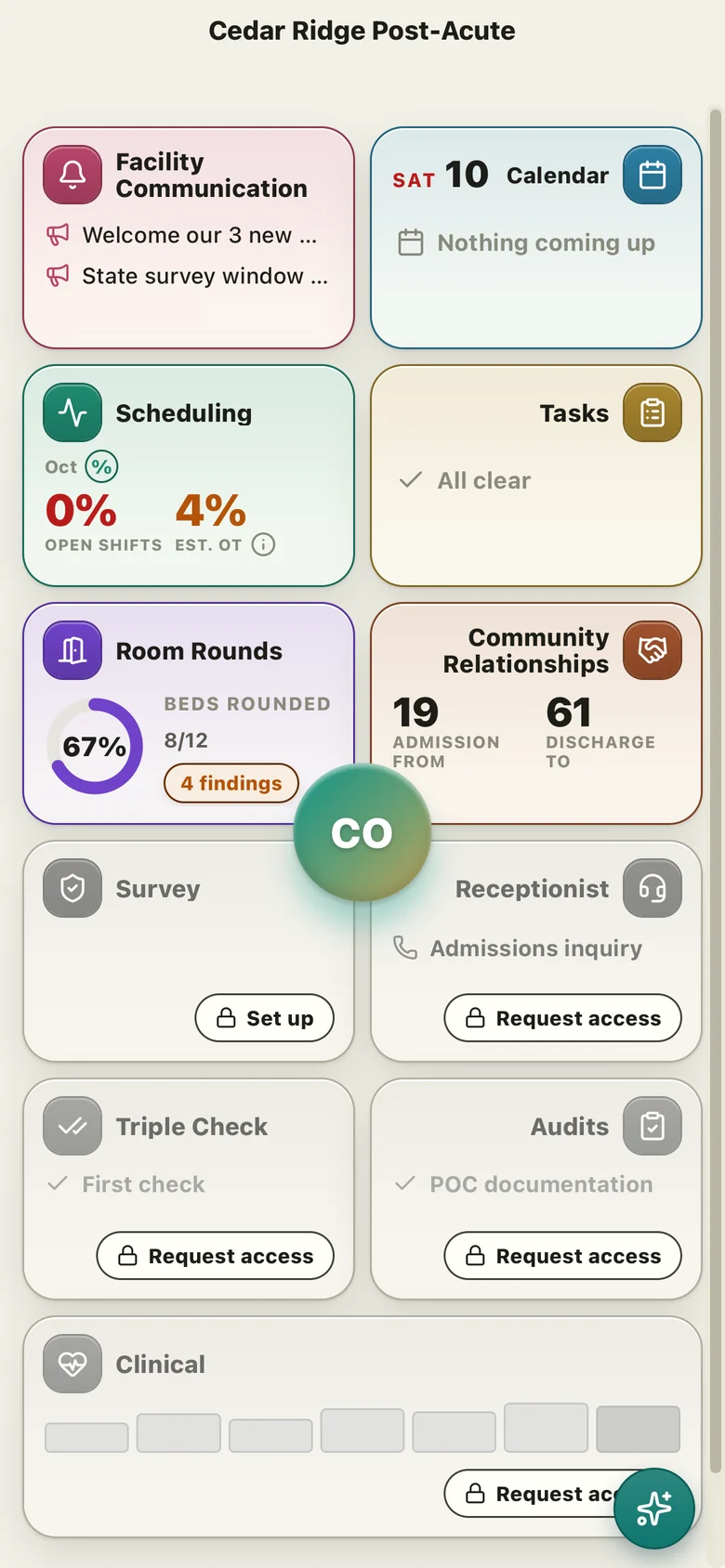
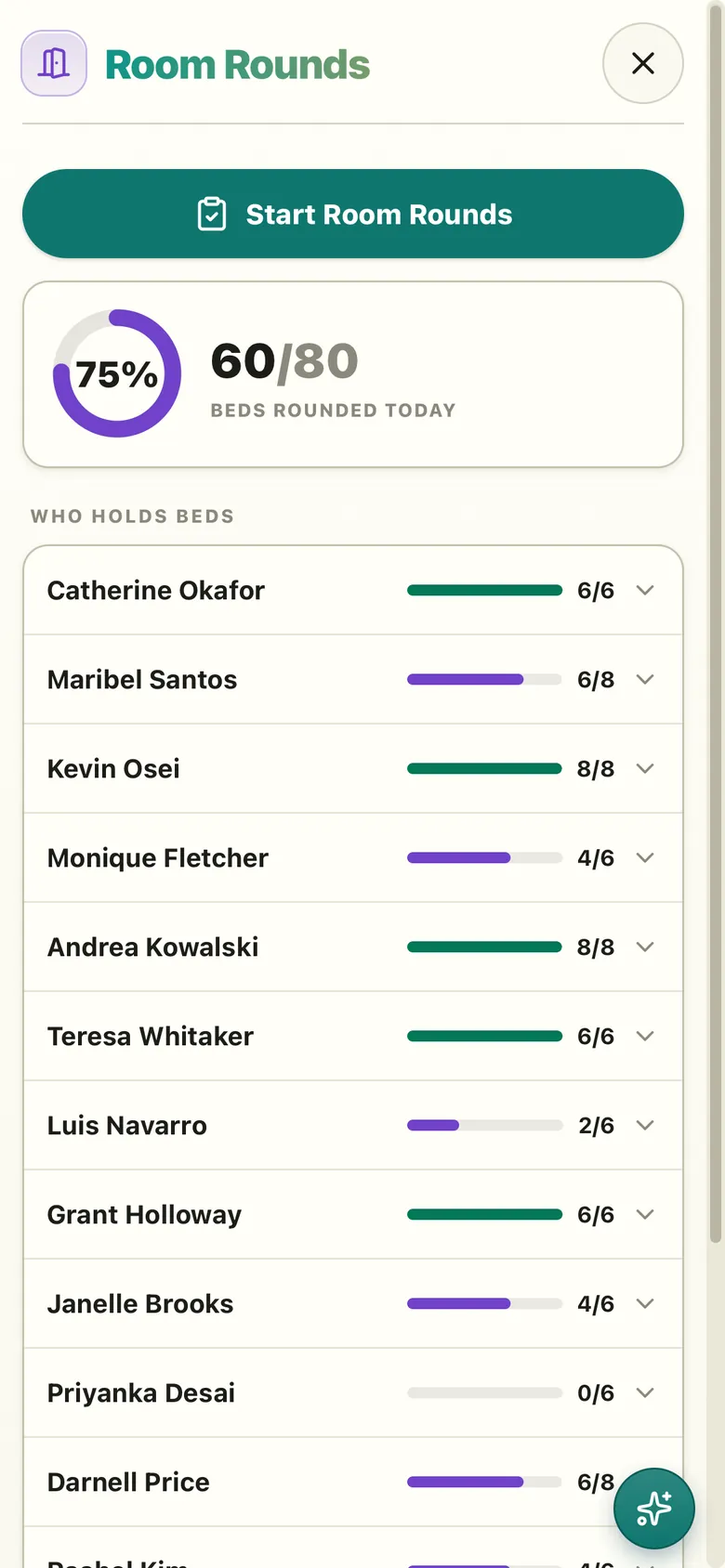
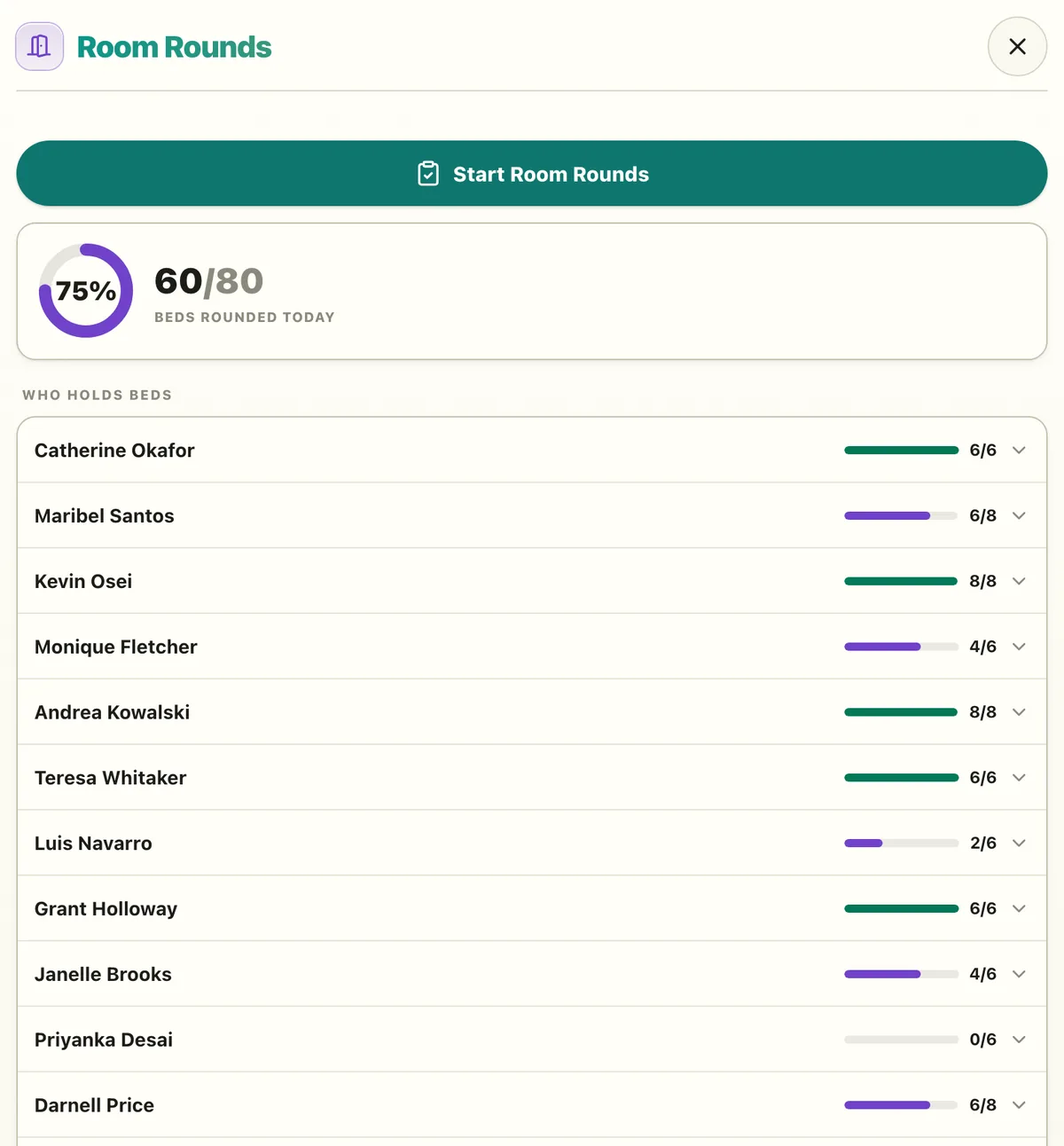
Room Rounds
FreeRooms assigned to rounders
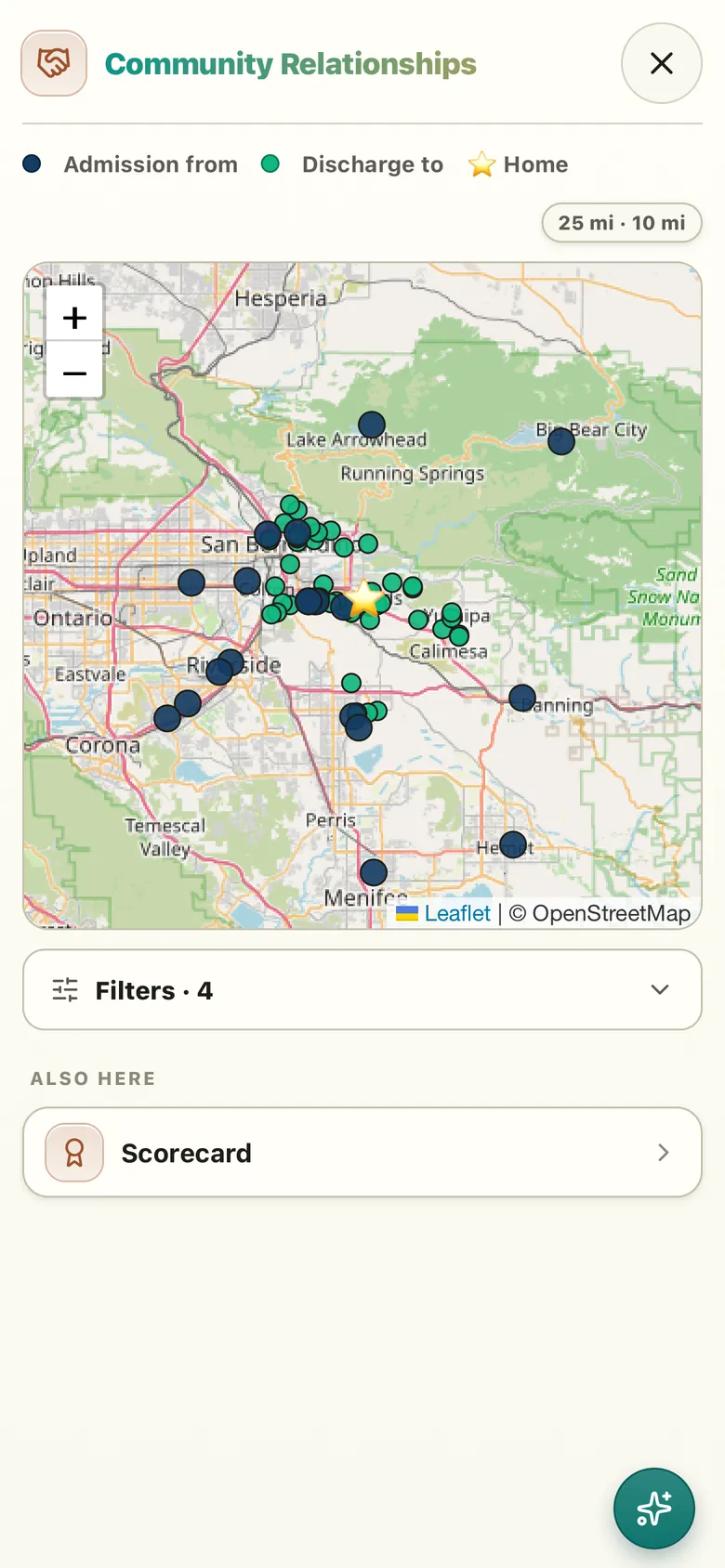
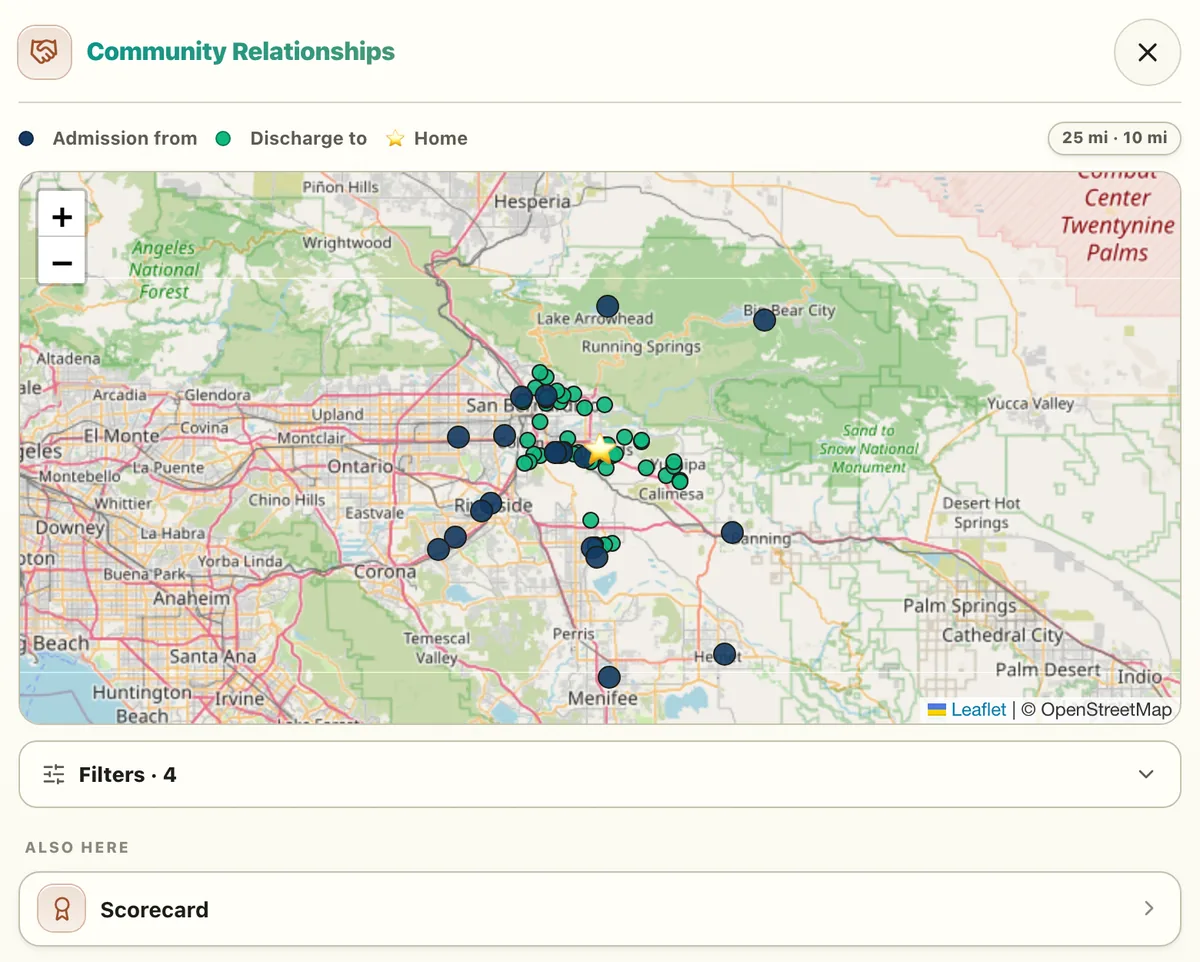
Community Relationships
FreeReferral sources on a map
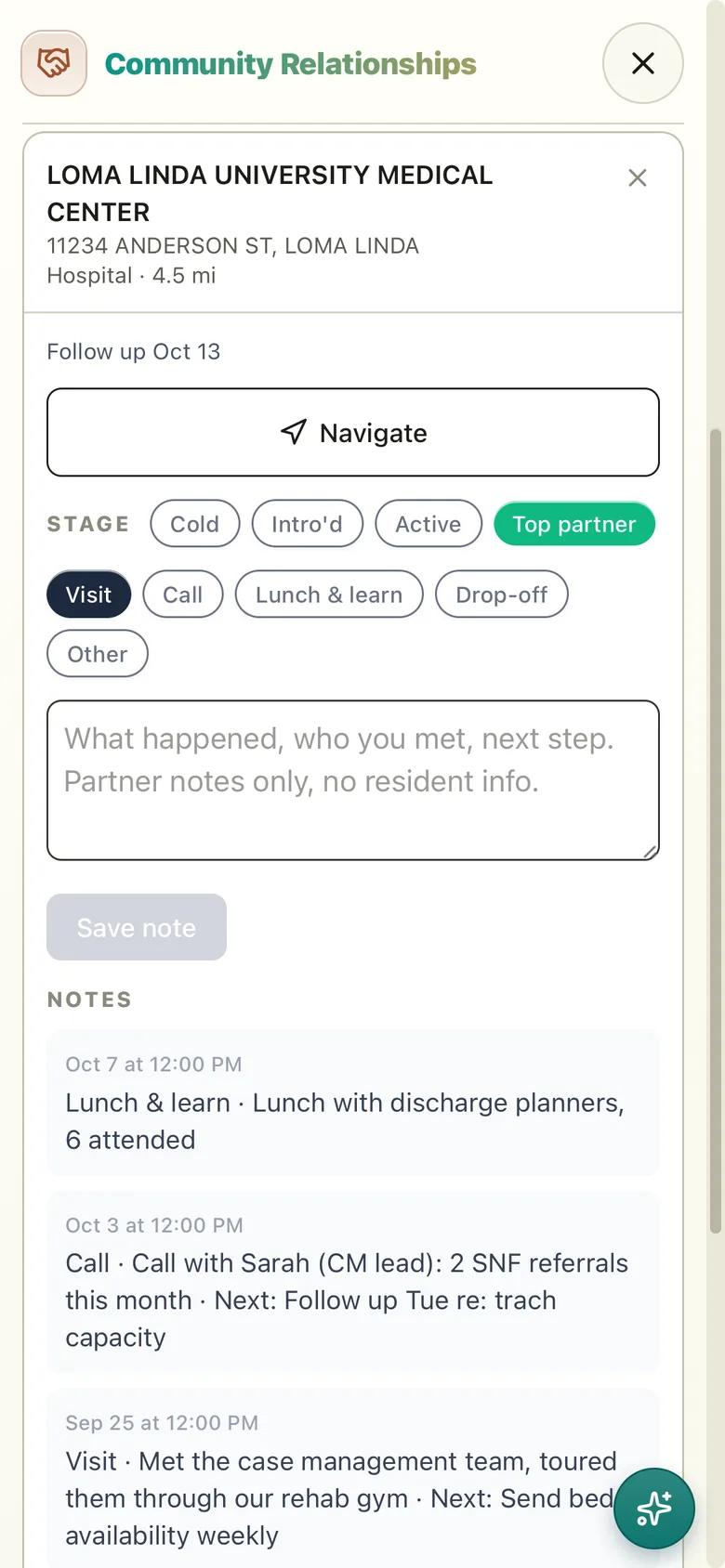
Every visit, logged.
Modules
Scheduling
$200per building / month ·30 days free
Step 1: Fill out your roster
Step 2: Start free
Accept the terms. Add a card when Scheduling starts; nothing is charged for 30 days.
Step 3: Set up with the Assistant
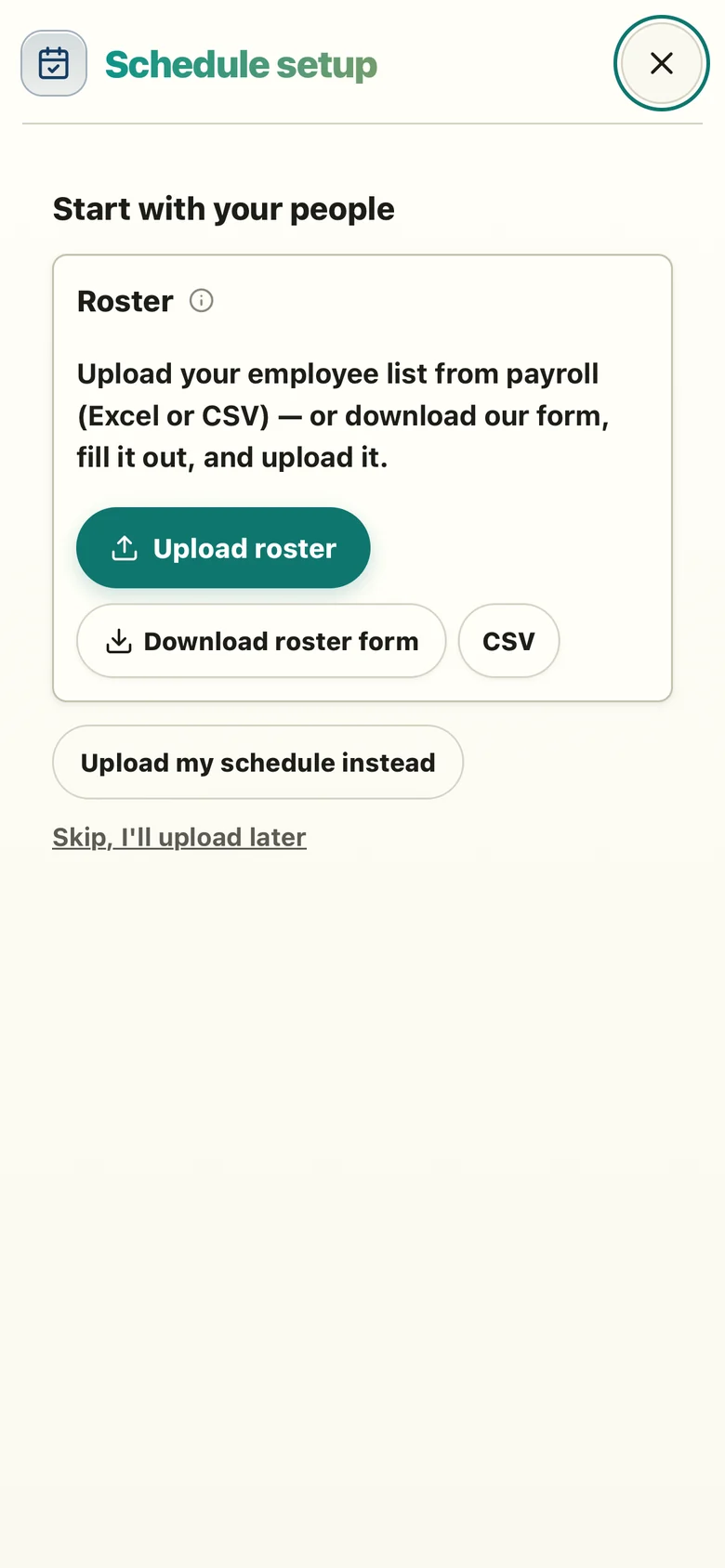
Upload your roster, then a short chat fine-tunes it for your building.
Your board is ready
- Schedule board
- Call-offs & open shifts
- Pickups
- OT / DT warnings
- Staff phone sign-in
- Announcements
- One-off tasks
- Assistant
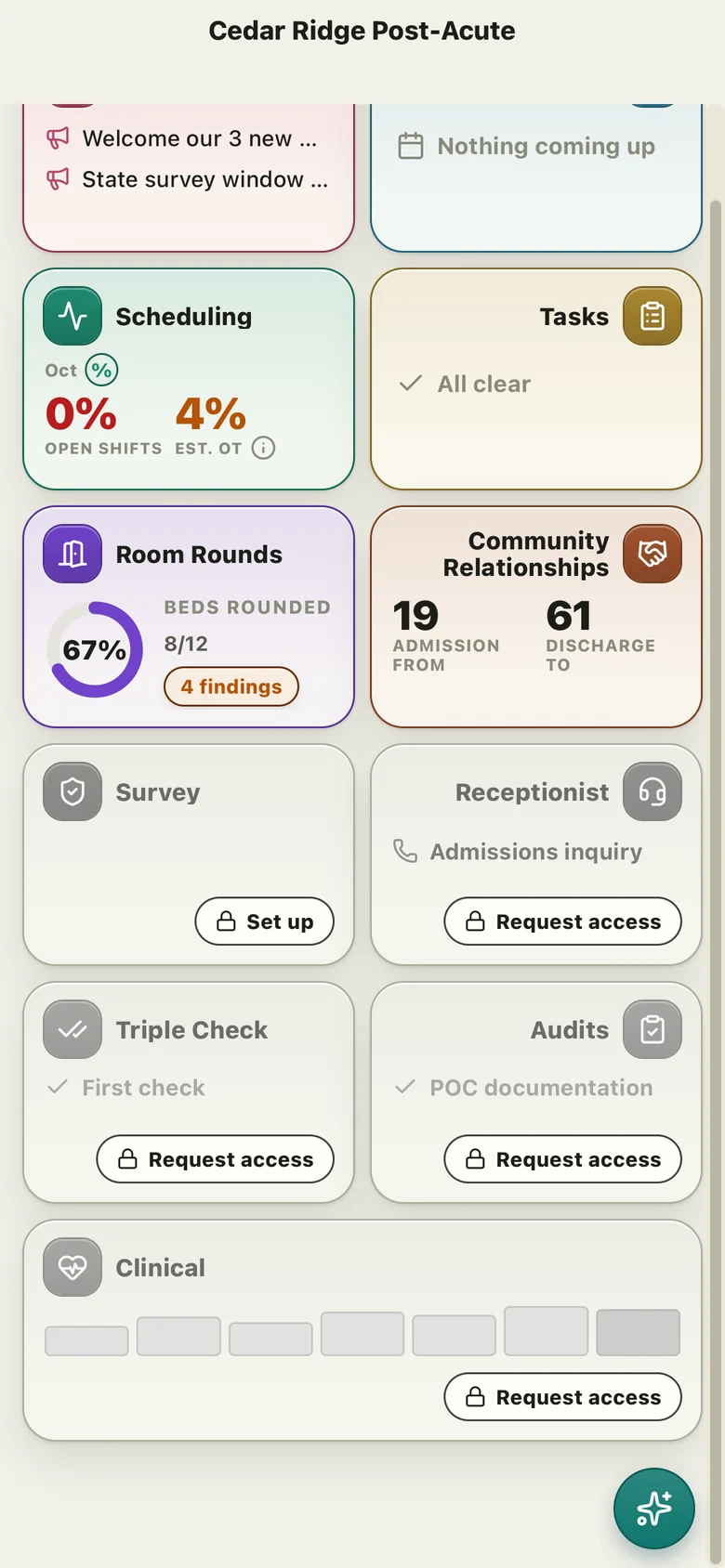
Receptionist
By request
Step 1: Fill out your phone lines
Step 2: Request access
Step 3: Set up with the Assistant
Upload your phone lines, then a short chat sets up your routes. Forward your main line and you’re live.
Callers are answered
- Answers your main line
- Routes to the right department or person
- Answers common questions
- Office hours + fallback line
Inside Scheduling
What your scheduler sees every day.
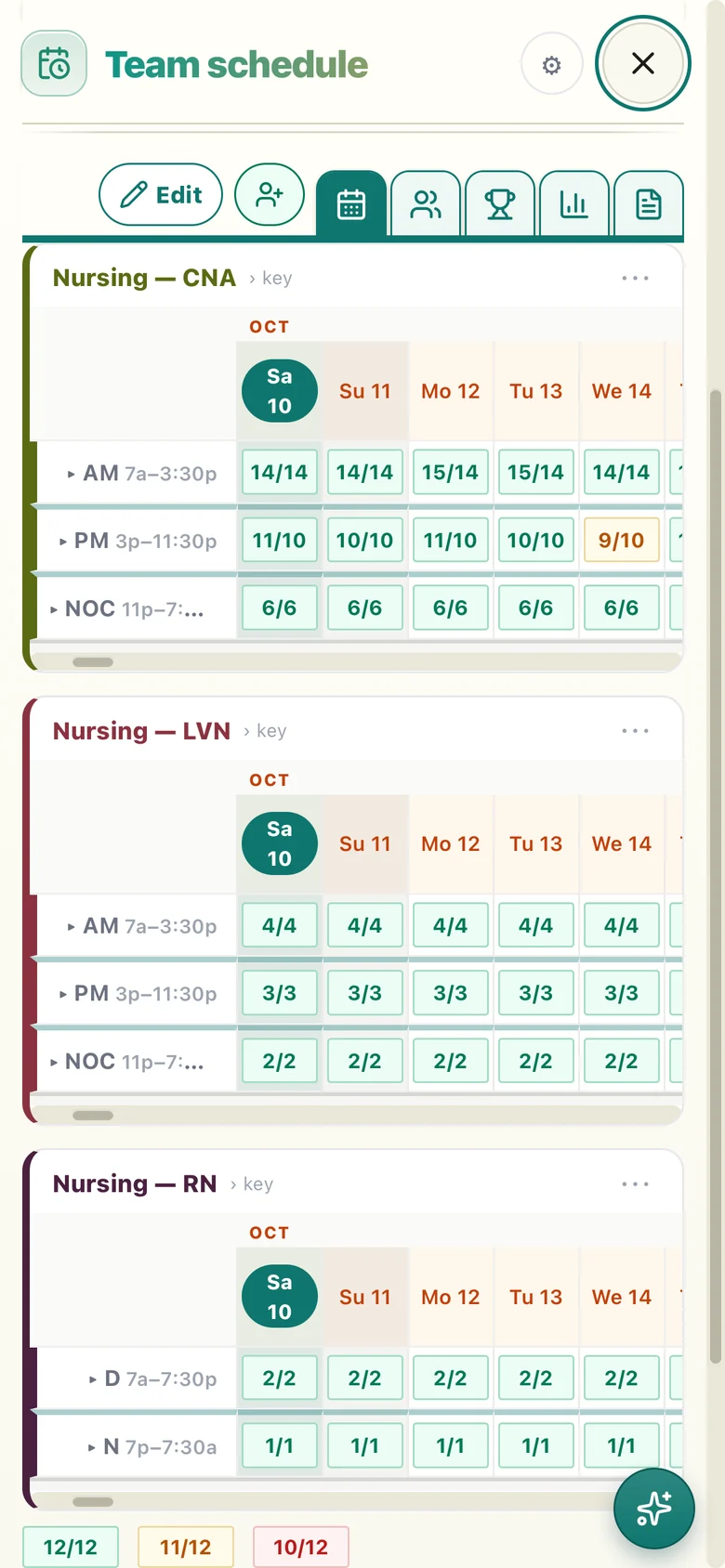
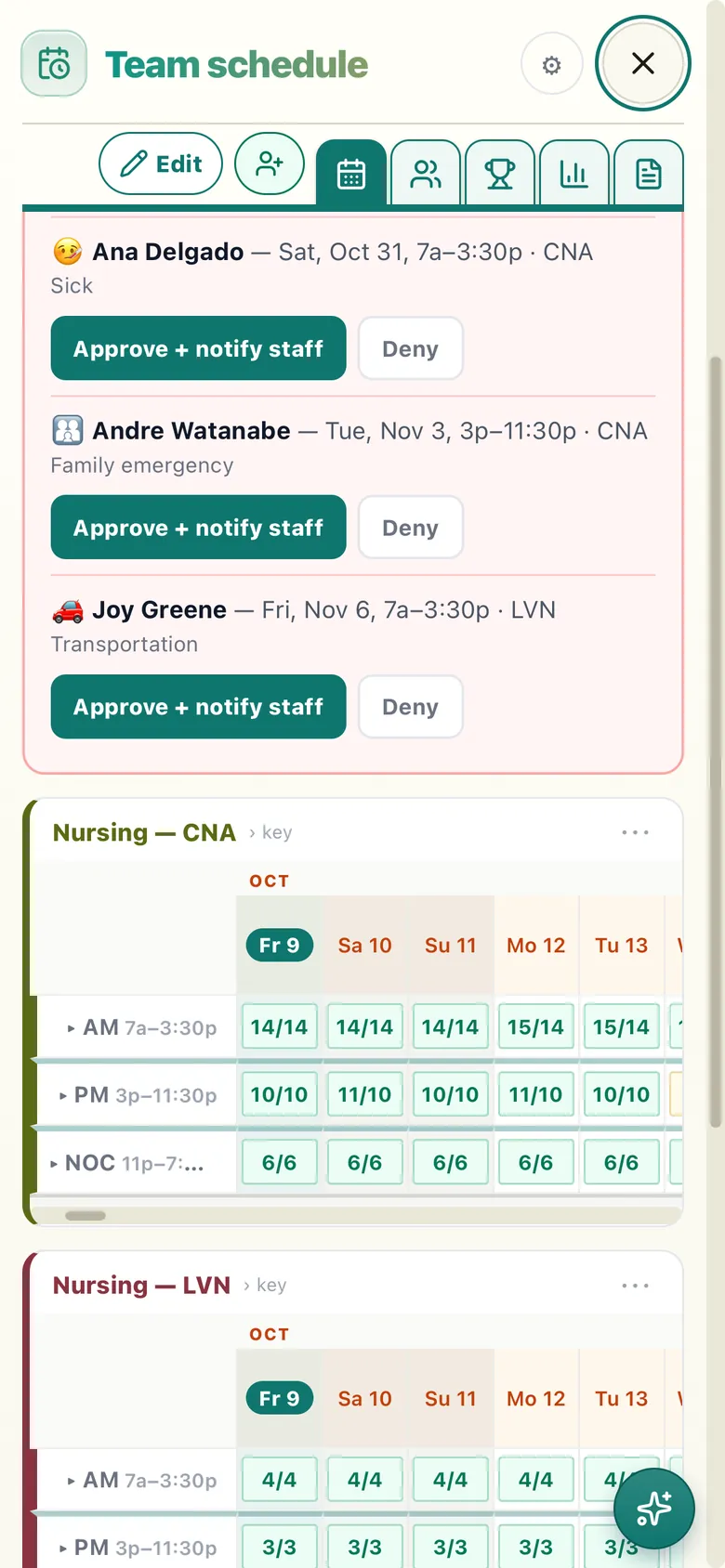
The board
Every position and shift, staffed against what you need, day by day.
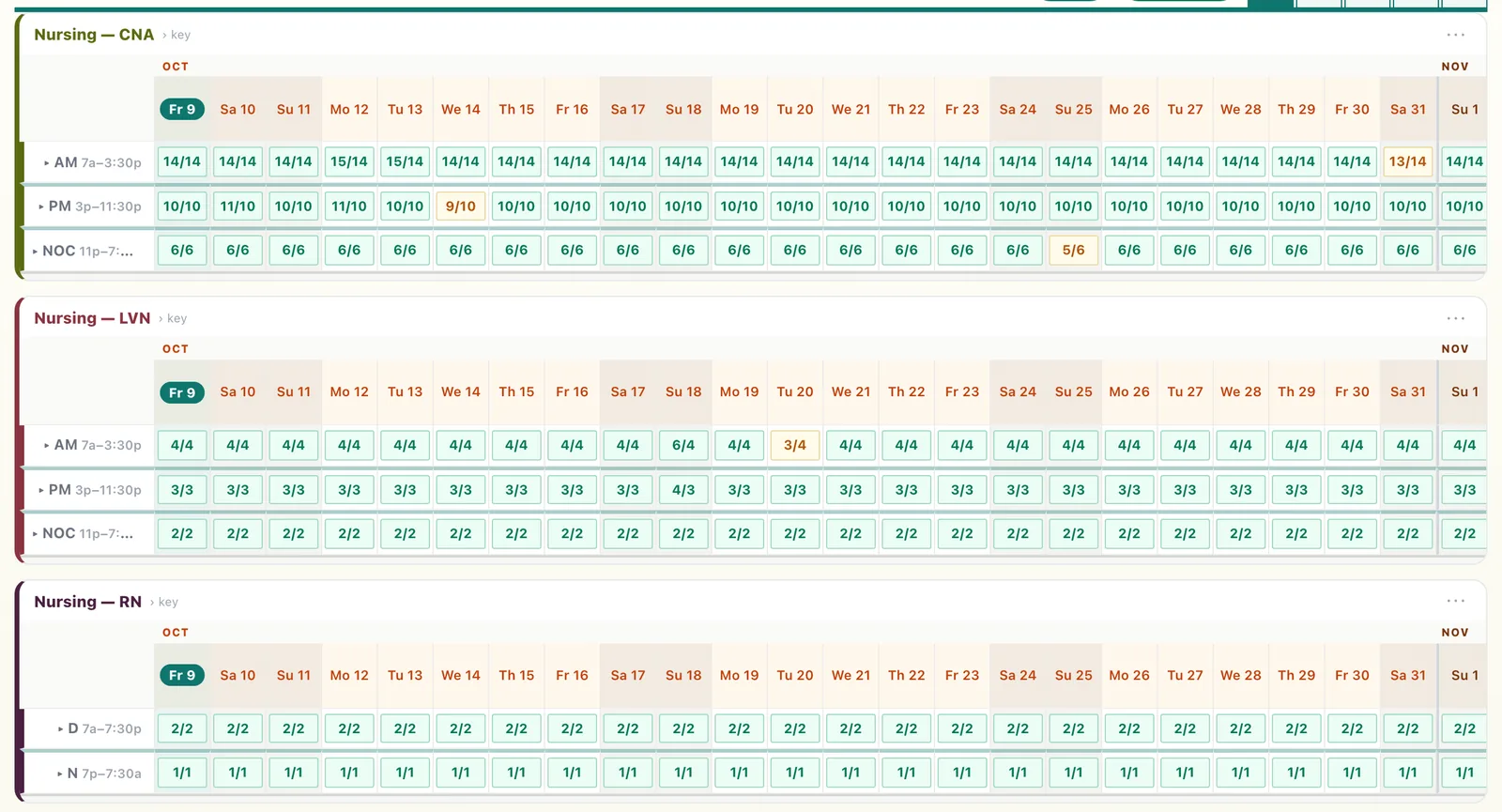
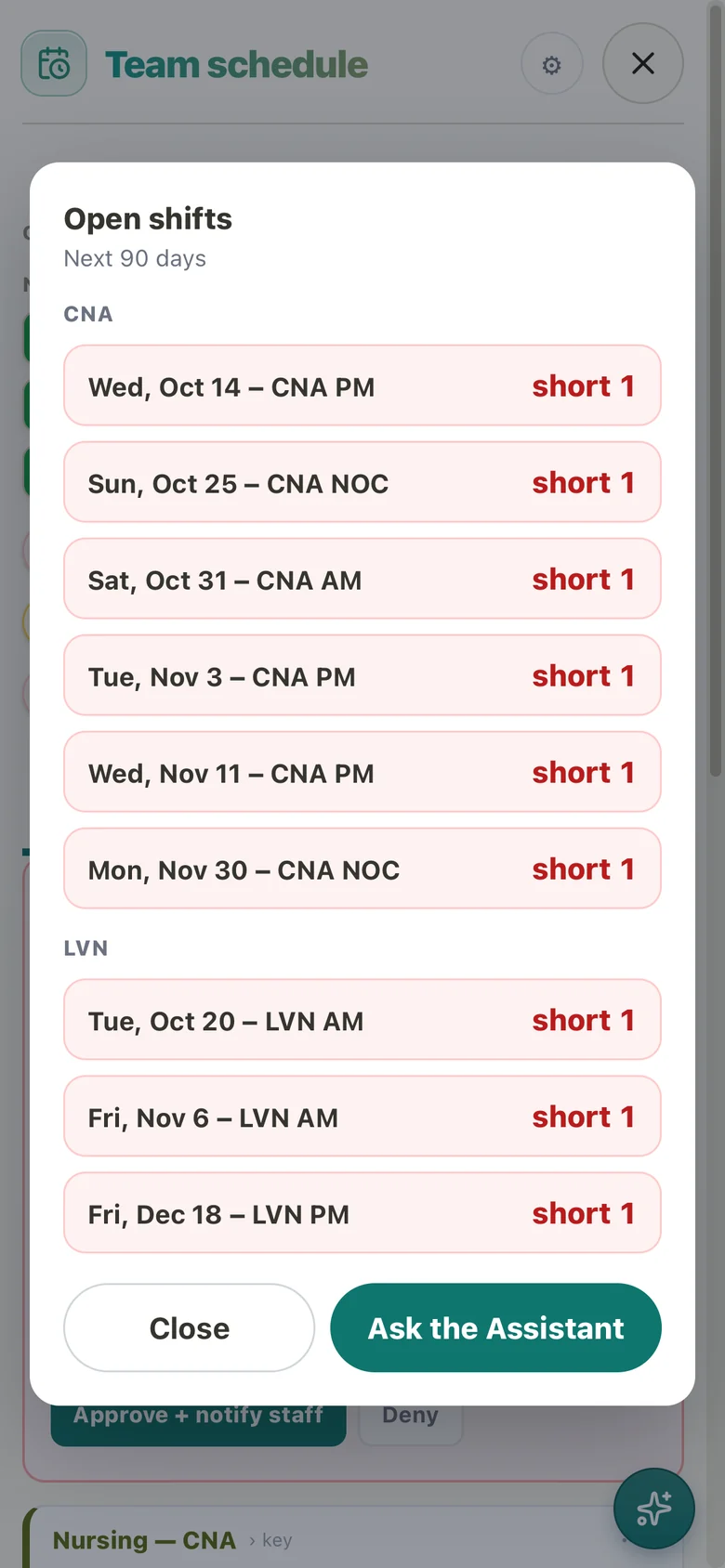
Call-offs & open shifts
Approve a call-off in one tap. Short shifts go out for pickup.
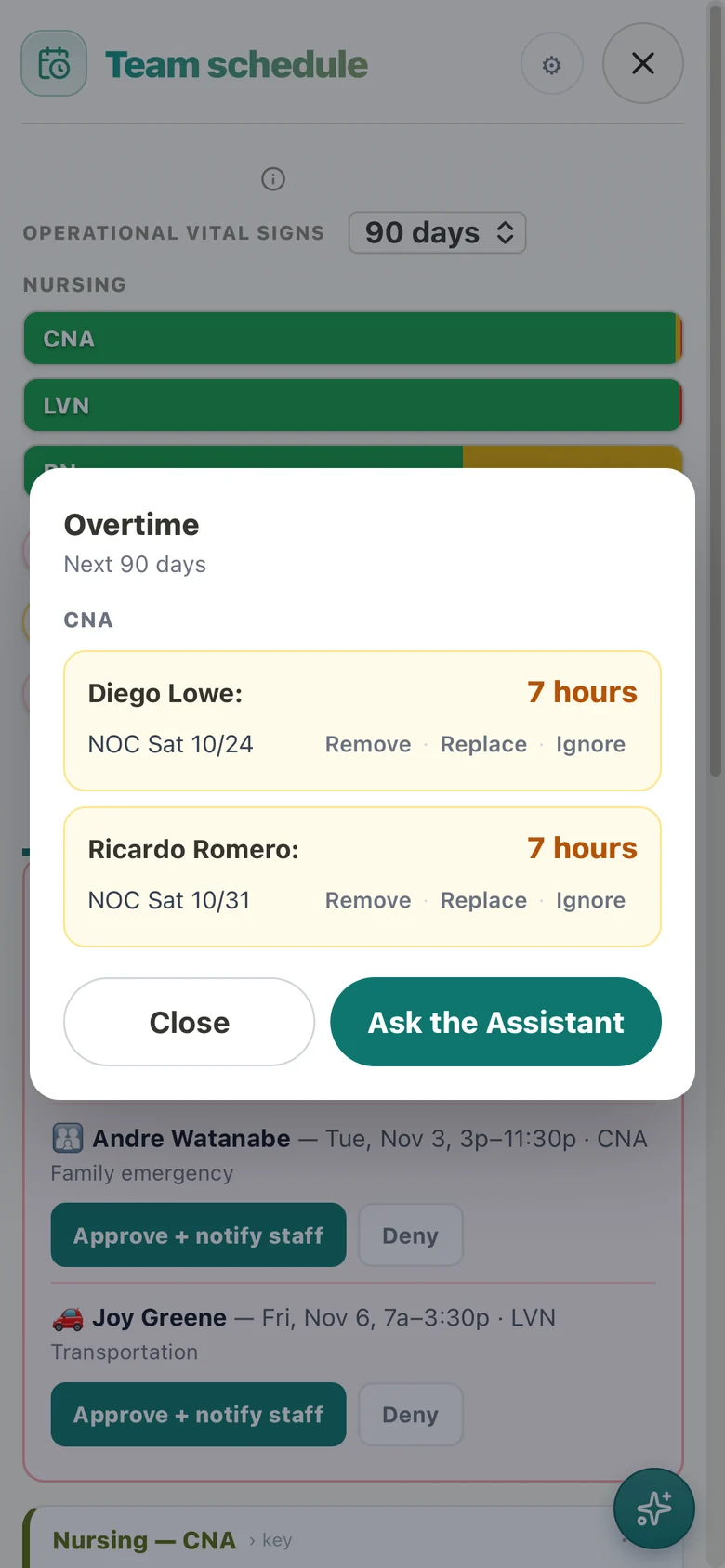
Overtime, before it happens
Who is heading into overtime, and the exact shifts behind it.
Ask the Assistant
Ask in plain words. It answers, or makes the change.
For staff
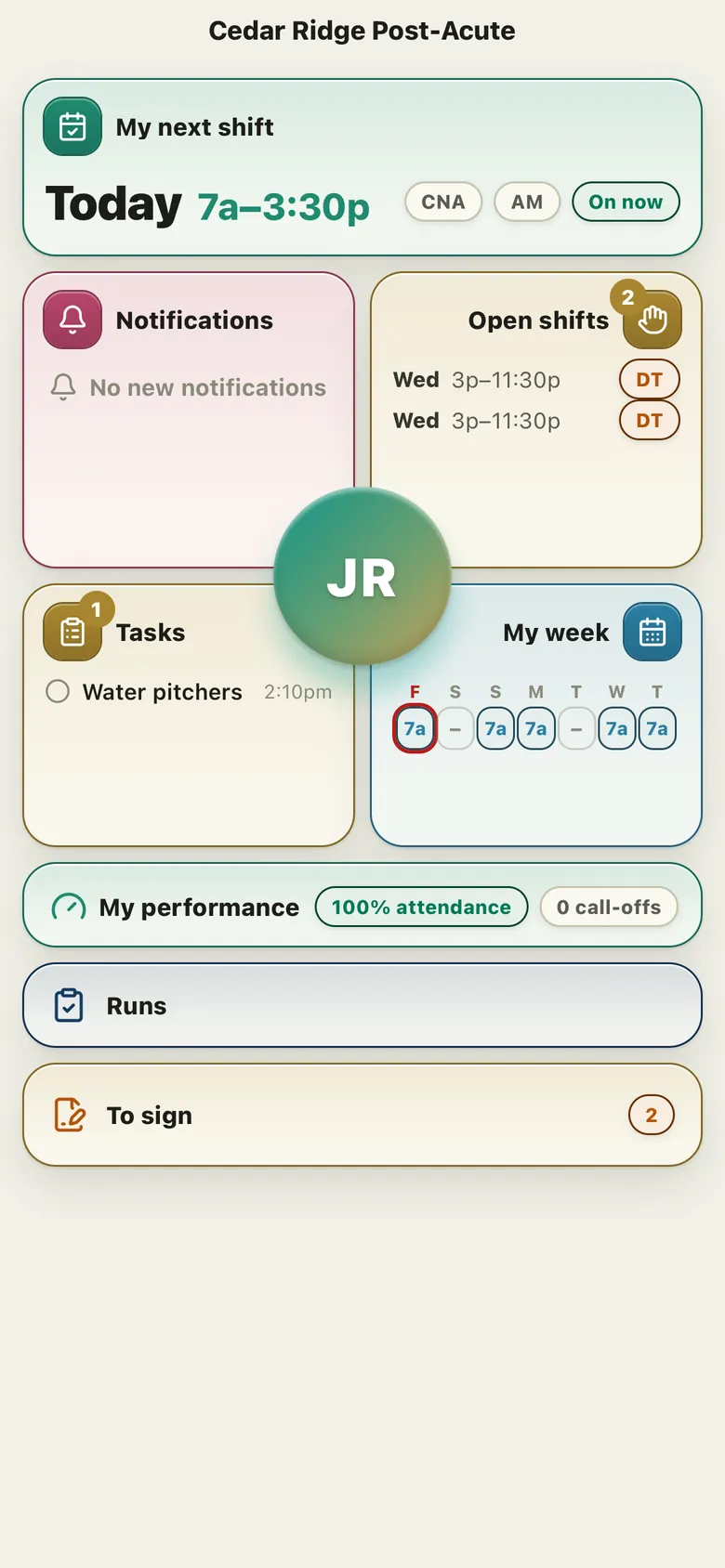
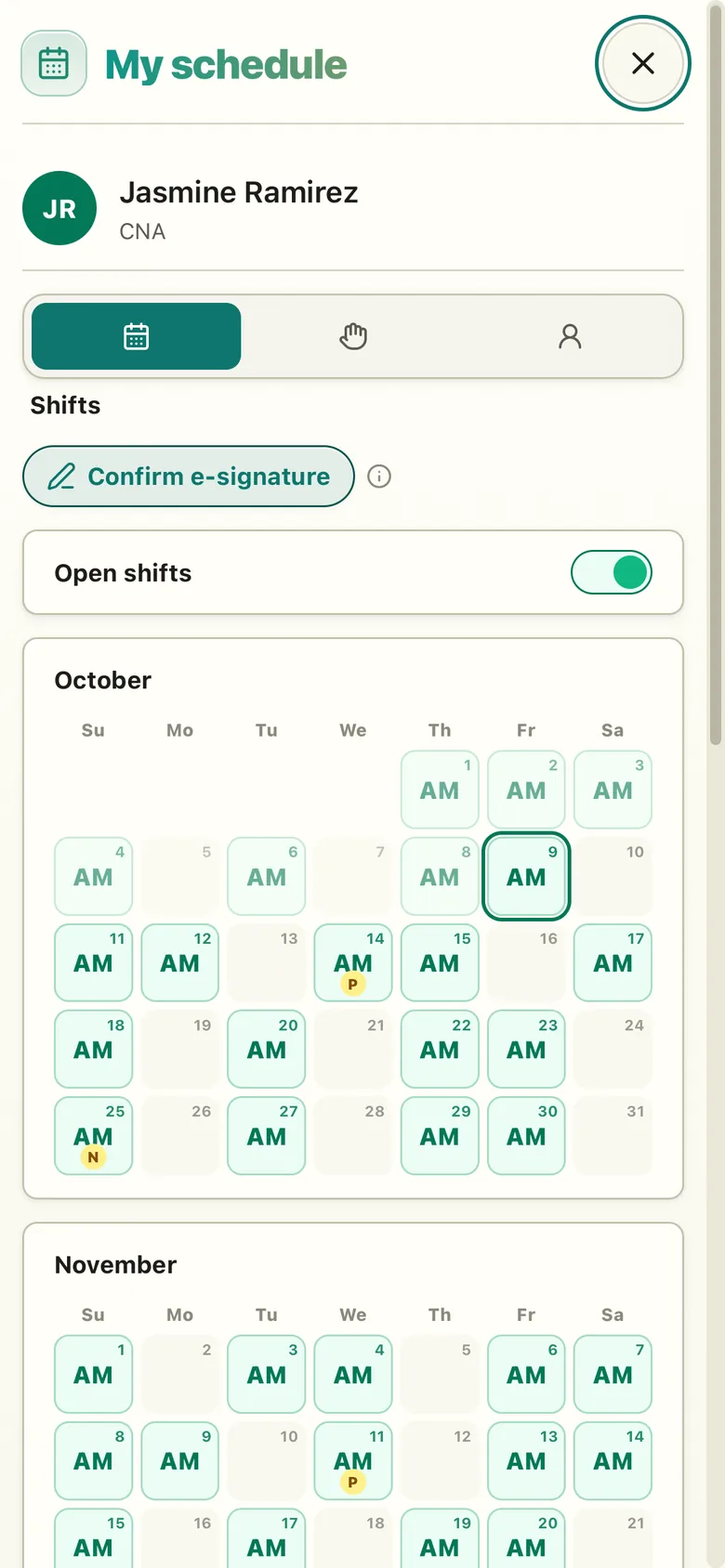
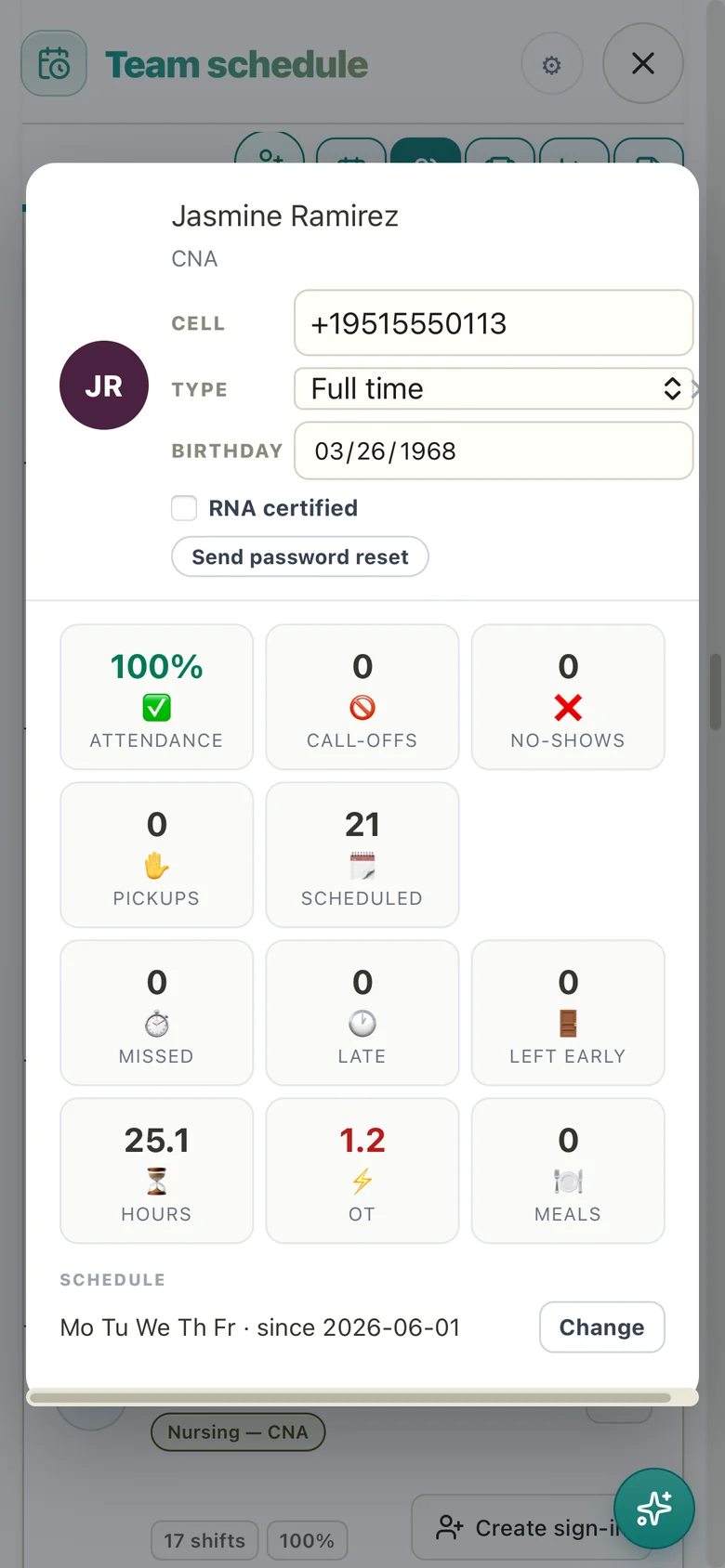
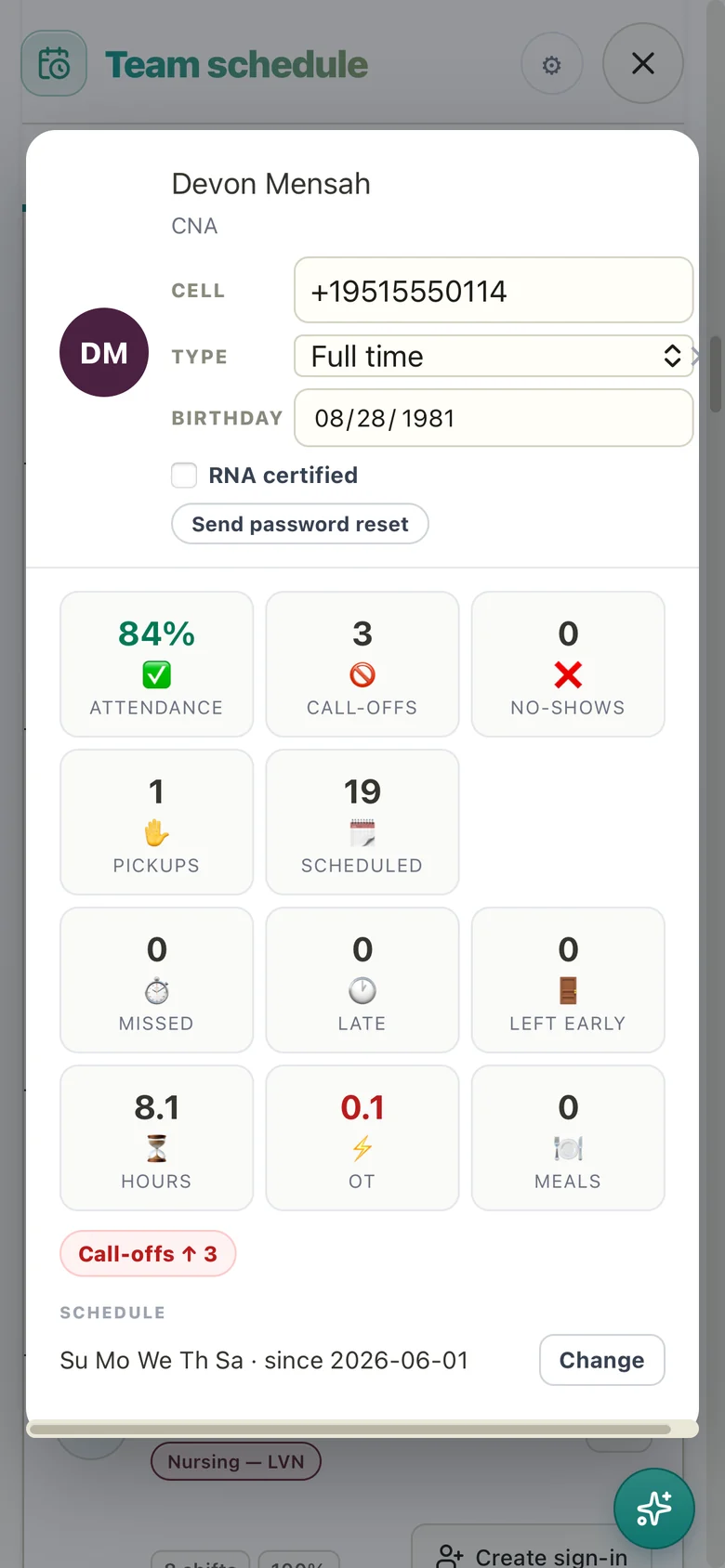
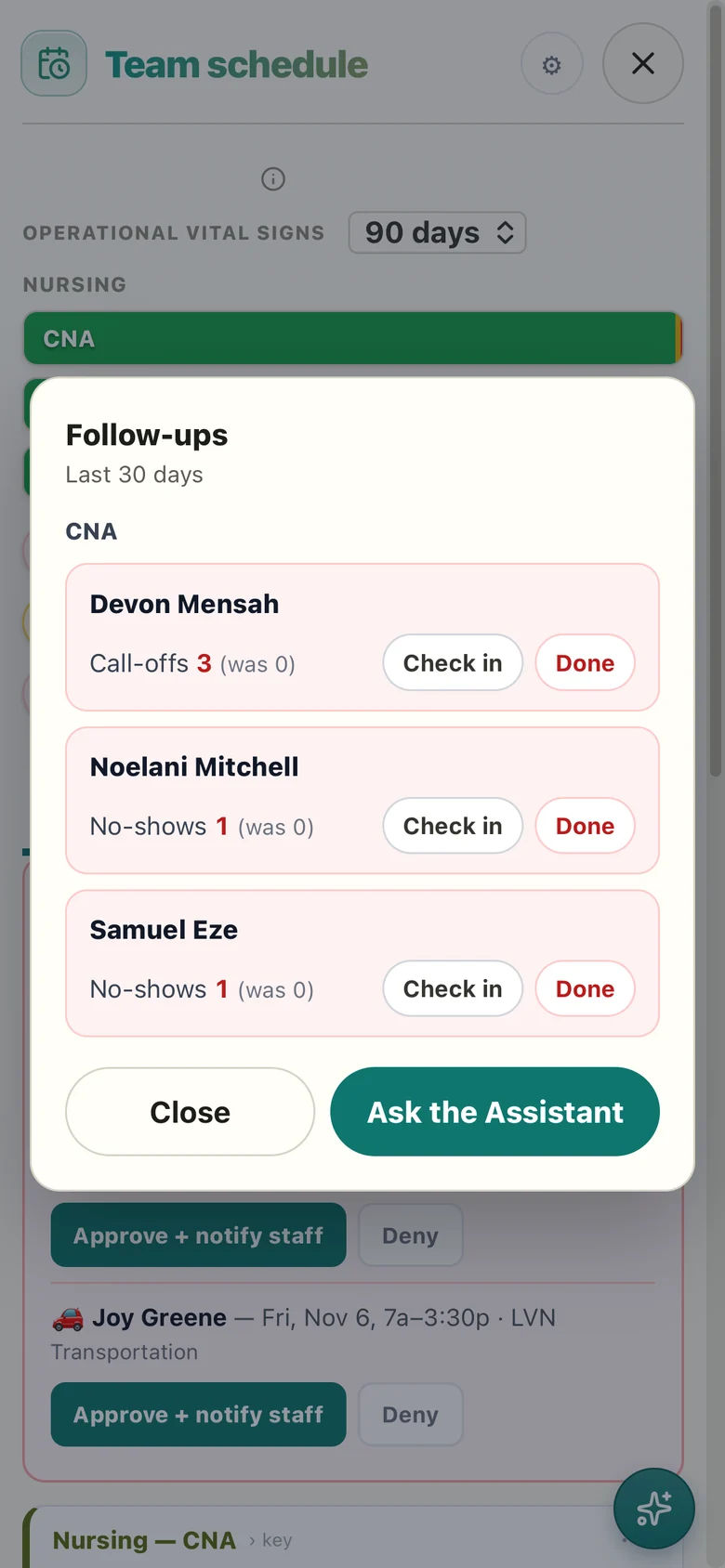
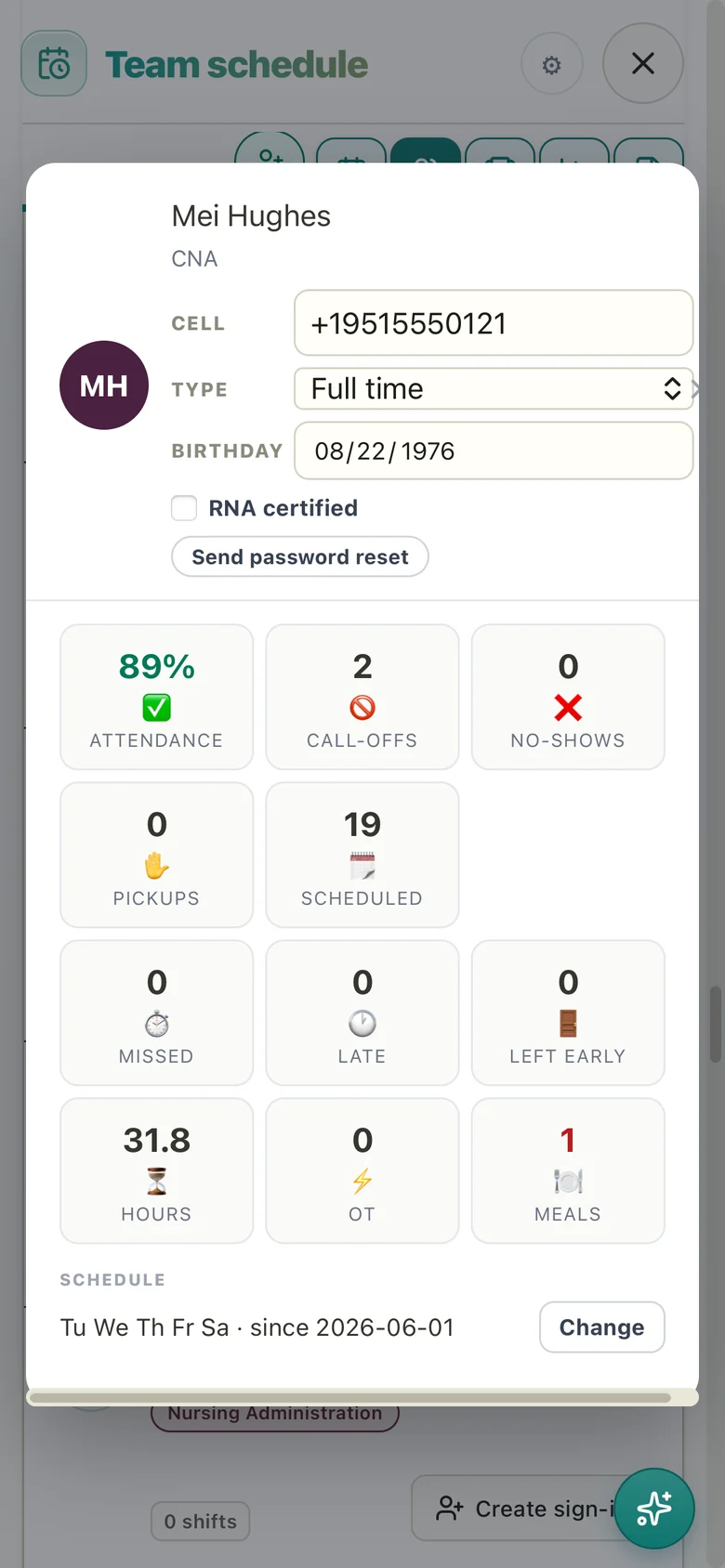
Know your team.
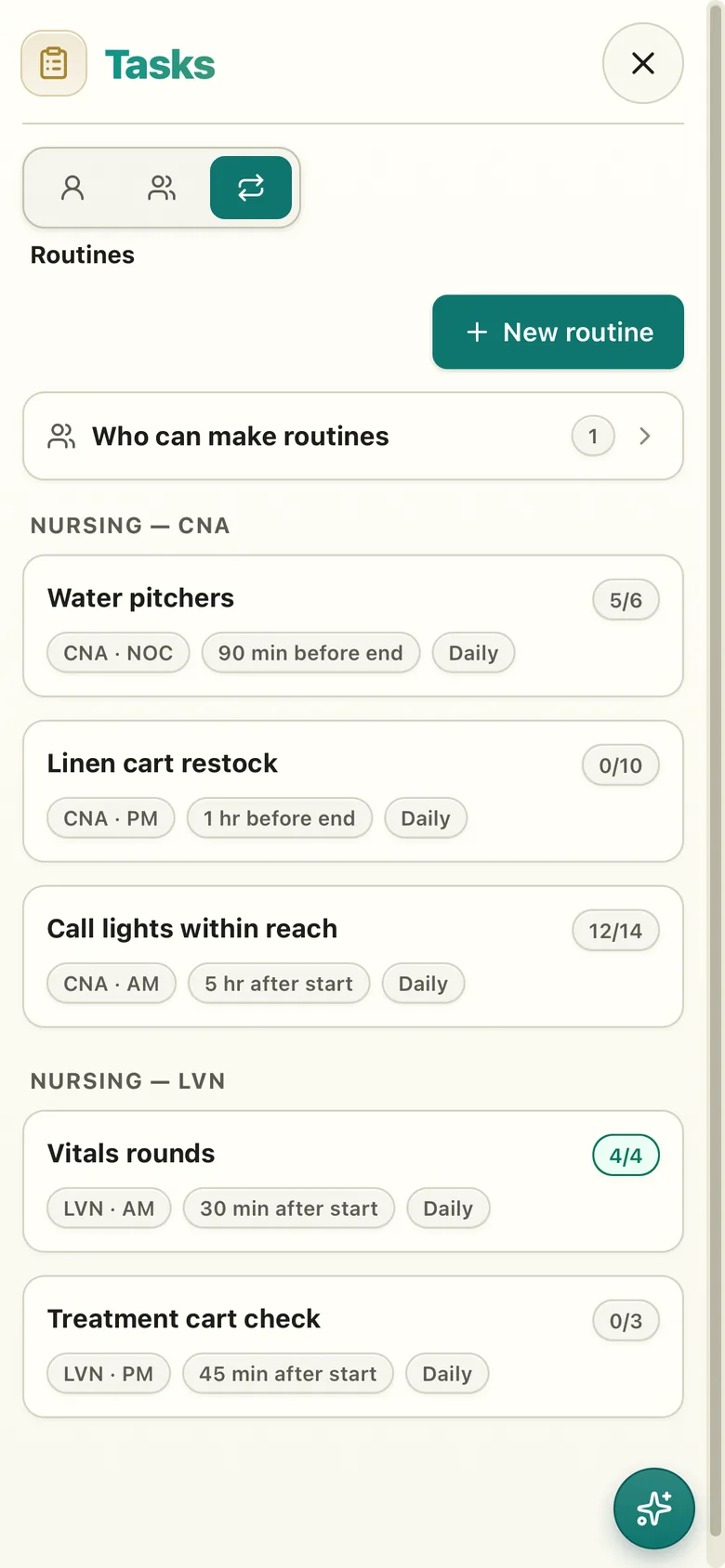
Every shift's routines.
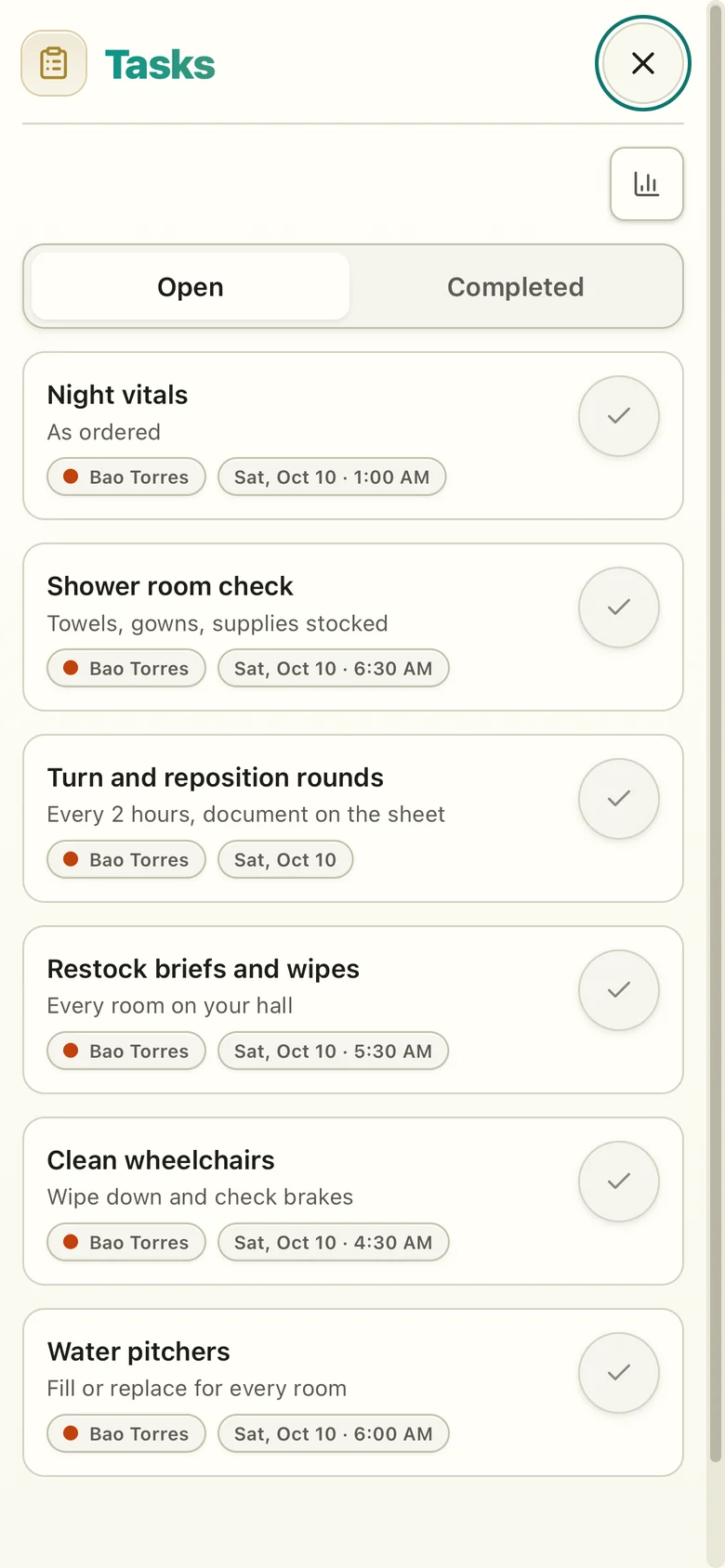
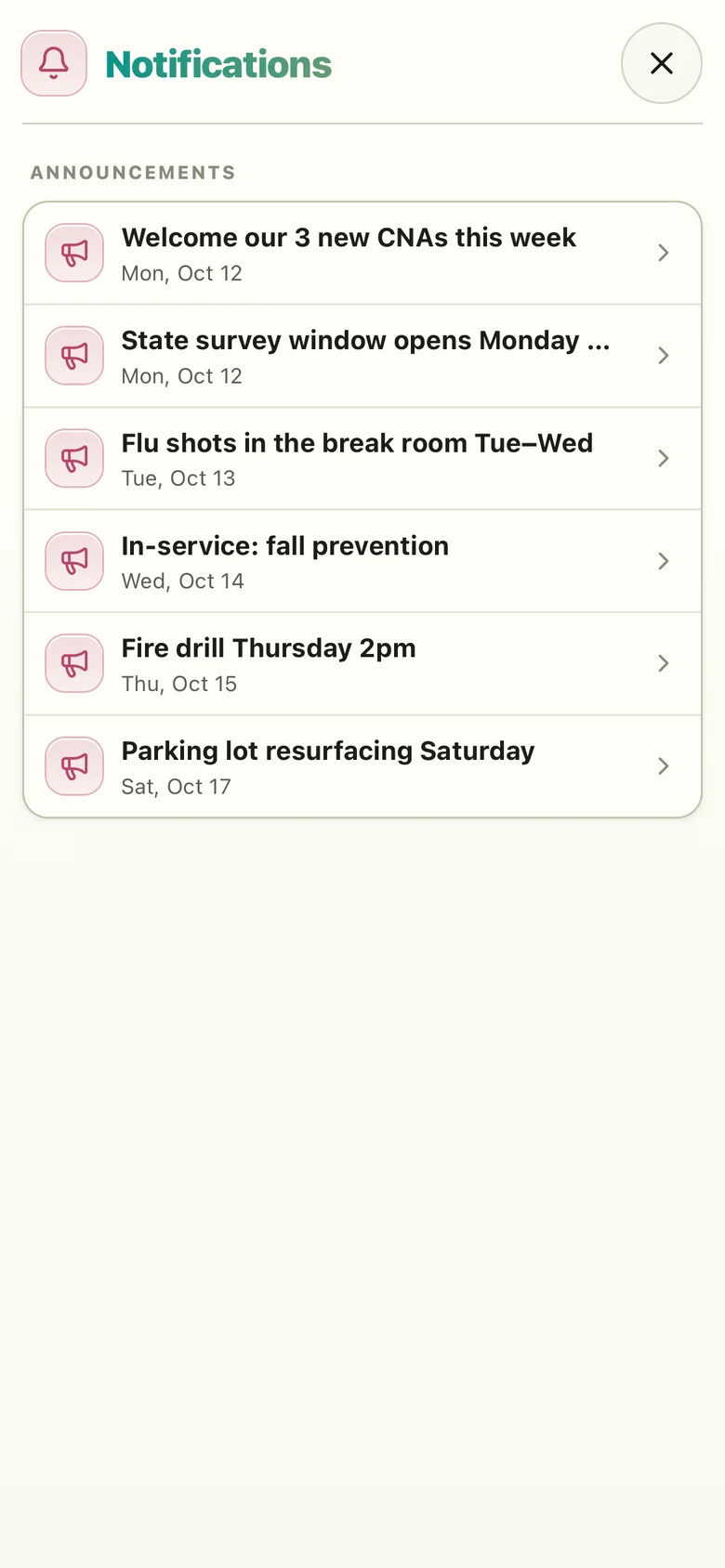
Announcements.
Works with your payroll reports.
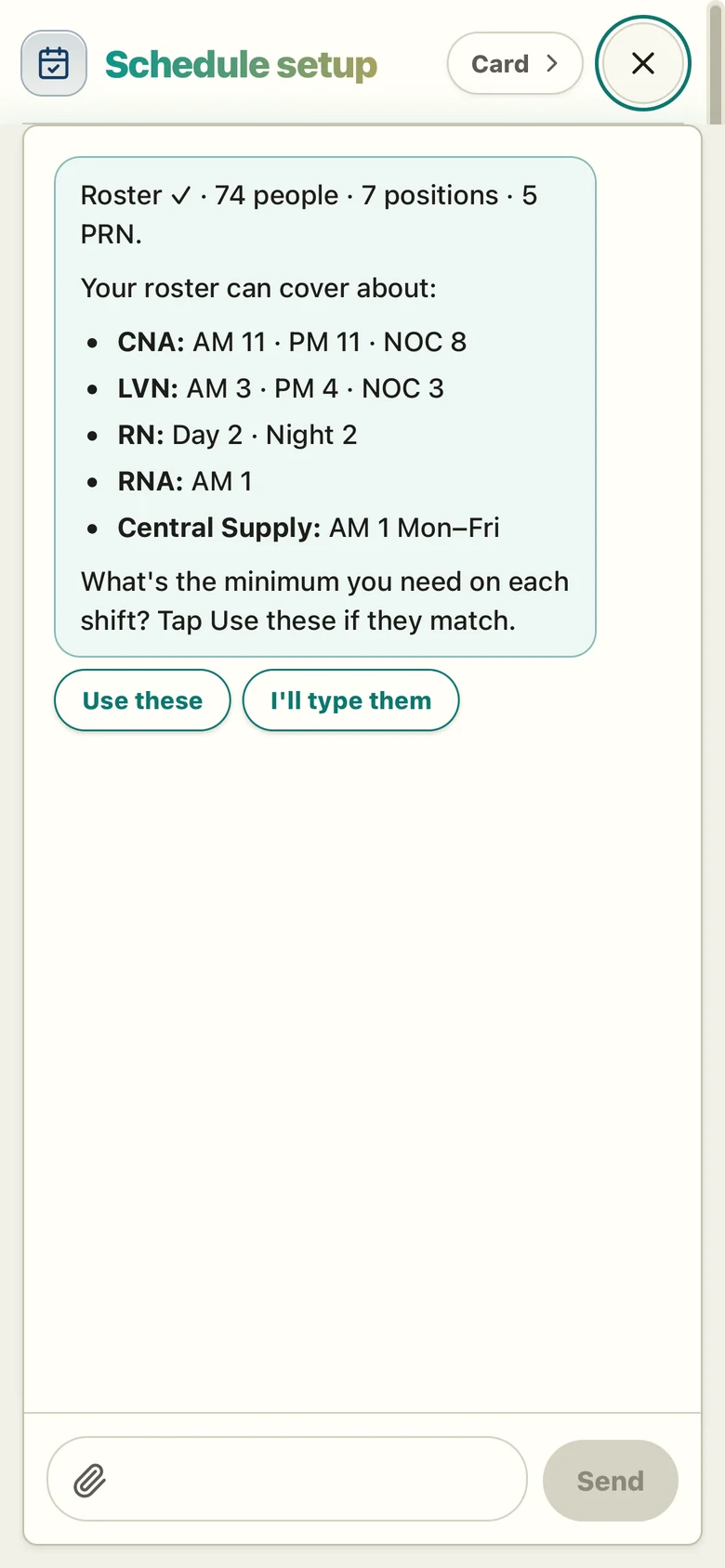
Set up in a chat.
Step 1: Set up your building
What are your halls called?
North and South
Saved: 2 halls, 40 rooms, 80 beds.
Step 2: Scheduling: add your roster
Roster ✓ 74 people · 7 positions. Minimum on each shift?
Use these
Step 3: Board ready
Pricing
Scheduling
$200per building / month
- Schedule board
- Call-offs & open shifts
- Pickups
- OT / DT warnings
- Staff phone sign-in
- Announcements
- One-off tasks
- Assistant